Step 1: Open the Venmo App
Download the Venmo app from the App Store (iPhone) or Google Play Store (Android) if you don’t already have it, and sign in to your account.
Step 2: Find Our Business Account
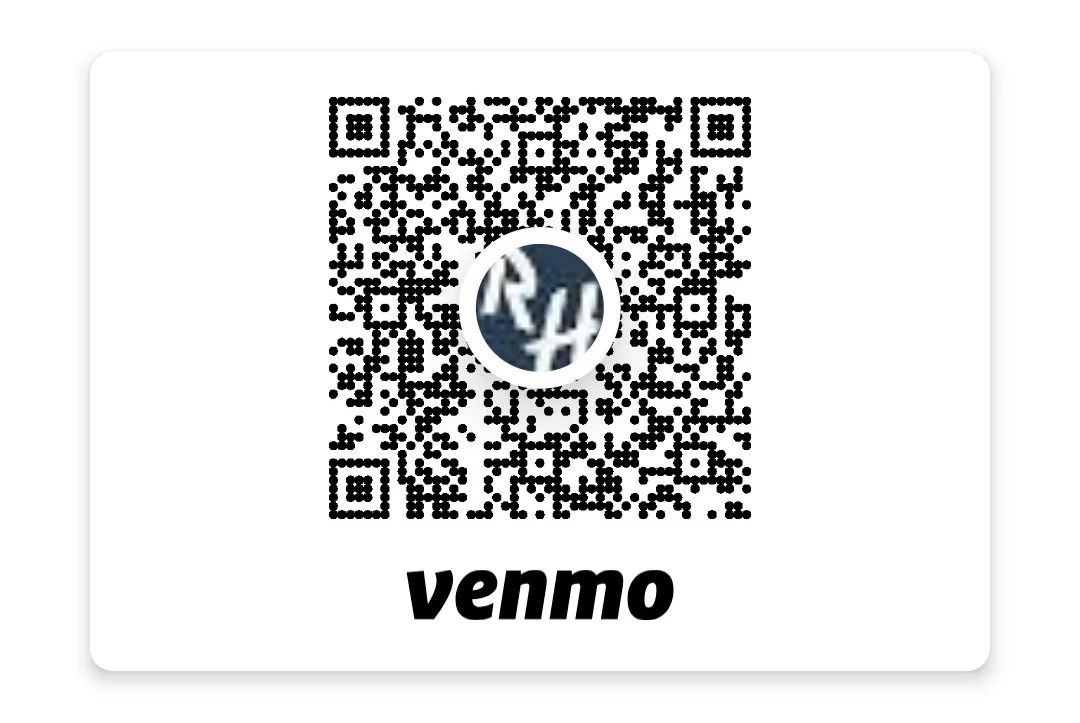
Tap the “Pay or Request” button and search for our Venmo handle: @RockinHorsedanceBarn — or simply scan the QR code as shown.
Step 3: Enter the Payment Amount
Type in the exact amount due for your class, membership, or service as shown on your invoice or booking confirmation.
Step 4: Add a Payment Note
In the “What’s it for?” field, please include your full name and the service or booking you’re paying for.
Step 5: Confirm and Send
Double-check the recipient, amount, and note, then tap “Pay” to complete the transaction.
Step 6: Payment Confirmation
Once we receive your payment, we’ll confirm it and update your account/booking, usually within 24 hours. You’ll also see the transaction in your Venmo history as your receipt.